
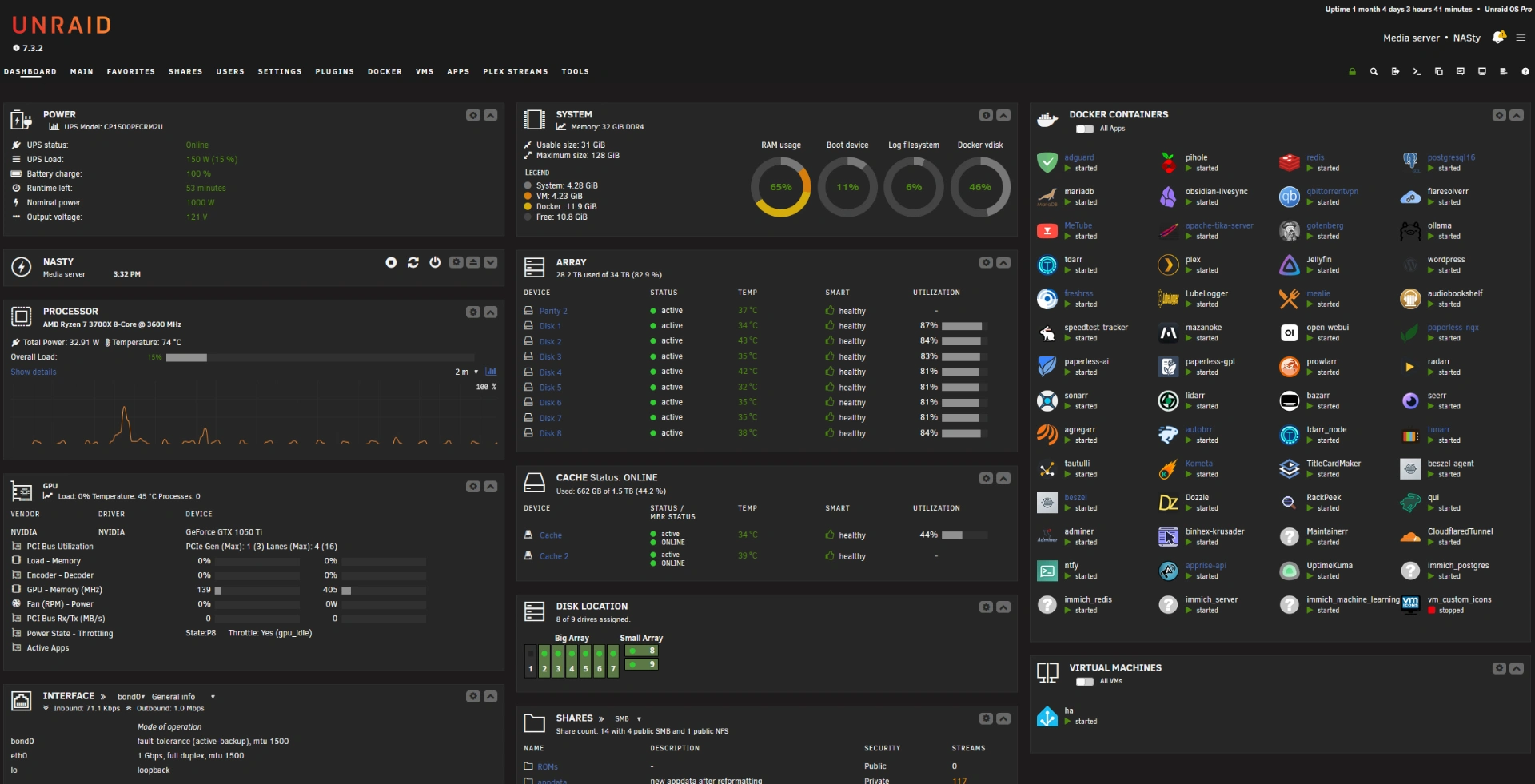
We have all been there: you click Update on a stable Unraid build, and after the reboot your most critical service, Plex, refuses to start.
After updating to Unraid 7.2.3, my lscr.io/linuxserver/plex container went dark. The logs were unavailable, and the symptoms pointed toward a deeper configuration issue rather than a container failure. Here is the breakdown of how a DNS loop and an NVIDIA driver mismatch created a perfect storm—and how to fix it.
The environment
- OS: Unraid 7.2.3
- Container:
lscr.io/linuxserver/plex - GPU: NVIDIA GTX 1050 Ti
- Key plugins: NVIDIA Driver, Community Applications
Symptoms
The first sign of trouble was a total breakdown of connectivity across the Unraid ecosystem:
- The Plex container was stuck in a
Stoppedstate. - Community Applications—the Apps store—failed to load.
- The NVIDIA Driver plugin showed limited version options.
- System notifications warned:
Warning: Cannot reach GitHub. Note that this may be a temporary issue with GitHub or your internet connection.
Step 1: Check for a connectivity trap
My first instinct was to check the internet. A simple ping to a public IP proved that the connection itself was open:
ping -c 4 8.8.8.8
PING 8.8.8.8 (8.8.8.8) 56(84) bytes of data.
64 bytes from 8.8.8.8: icmp_seq=1 ttl=116 time=16.6 ms
64 bytes from 8.8.8.8: icmp_seq=2 ttl=116 time=27.2 ms
64 bytes from 8.8.8.8: icmp_seq=3 ttl=116 time=27.2 ms
64 bytes from 8.8.8.8: icmp_seq=4 ttl=116 time=10.5 ms

--- 8.8.8.8 ping statistics ---
4 packets transmitted, 4 received, 0% packet loss, time 3003ms
However, the “Cannot reach GitHub” error suggested a name-resolution failure. I tested DNS separately:
ping -c 4 github.com
ping: github.com: Name or service not known
The distinction matters: reaching an IP address confirms basic connectivity, but it does not confirm that DNS resolution is working.
Step 2: Break the AdGuard DNS loop
The root cause was my DNS architecture. The Unraid host operating system was pointing to my AdGuard Home container at 192.168.1.199 for DNS.
The gotcha: Containers such as AdGuard are not available early in the Unraid boot sequence. Because the host could not resolve GitHub, it could not verify plugins or pull the dependencies needed for the Plex container to initialize.
I changed the Unraid network settings so the host operating system used public DNS servers—1.1.1.1 and 8.8.8.8—instead. This lets the server reach external services during boot while AdGuard continues to handle DNS for the rest of the LAN.
After applying the change, name resolution was restored:
ping -c 4 github.com
PING github.com (140.82.114.3) 56(84) bytes of data.
64 bytes from lb-140-82-114-3-iad.github.com (140.82.114.3): icmp_seq=1 ttl=241 time=50.9 ms
64 bytes from lb-140-82-114-3-iad.github.com (140.82.114.3): icmp_seq=2 ttl=241 time=47.7 ms
64 bytes from lb-140-82-114-3-iad.github.com (140.82.114.3): icmp_seq=3 ttl=241 time=43.4 ms
64 bytes from lb-140-82-114-3-iad.github.com (140.82.114.3): icmp_seq=4 ttl=241 time=36.2 ms

--- github.com ping statistics ---
4 packets transmitted, 4 received, 0% packet loss, time 3003ms
Step 3: Fix the NVIDIA driver mismatch
Fixing DNS was a prerequisite for fixing the GPU. Before the DNS change, the NVIDIA Driver plugin could not reach the internet to display the full list of available drivers. It was only showing version 590.48.01.
Once the host had internet access, the plugin refreshed and displayed the legacy options. My GTX 1050 Ti is a legacy card in the eyes of modern drivers, so it required the 580 legacy branch for stable hardware acceleration. I updated the driver to v580.126.09 through the plugin settings.
Step 4: Verify the GPU
I ran the NVIDIA System Management Interface in the Unraid terminal to confirm that the operating system recognized the card:
nvidia-smiThe result: the GTX 1050 Ti was recognized and driver v580.126.09 was loaded.
Plex started successfully, and GPU transcoding was visible inside the container again.
Summary of the root causes
- DNS circular dependency: The host relied on a container that had not started yet to resolve addresses.
- Plugin failure: Without DNS, the NVIDIA plugin could not fetch the legacy driver list.
- Driver mismatch: The OS update left the system using a driver version that was incompatible with the legacy GPU hardware.
Lessons learned
- Isolate host DNS dependencies. In this setup, pointing the host operating system solely at a containerized DNS service created a boot dependency. Keep a DNS path available to the host before that container starts.
- Test an IP and a domain separately. A successful IP ping does not prove that DNS resolution works.
- Check legacy hardware after updates. When an older GPU is involved, double-check the driver version after a kernel or operating-system update.
By decoupling the host DNS configuration and selecting the correct legacy driver, Plex was back up and transcoding in minutes.